Report Sharing
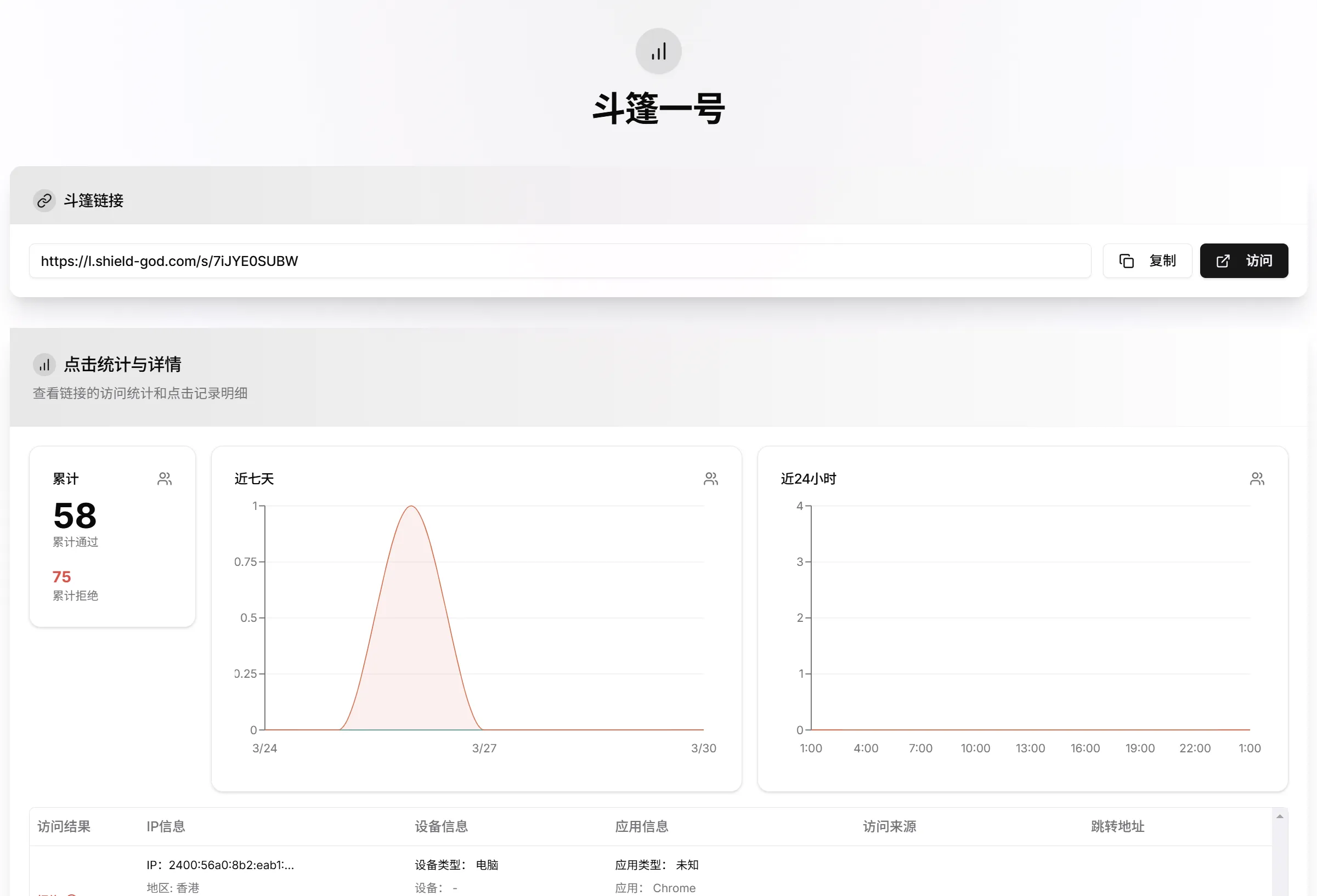
Share the statistics report for a link.
Last updated: 7/25/2026Introduction
Security Notice
You should not share links with strangers. Sharing a report may expose your redirect URL to others, causing you to lose your protection capability.
You can easily share your link report with others without providing an account or password.
How to Share
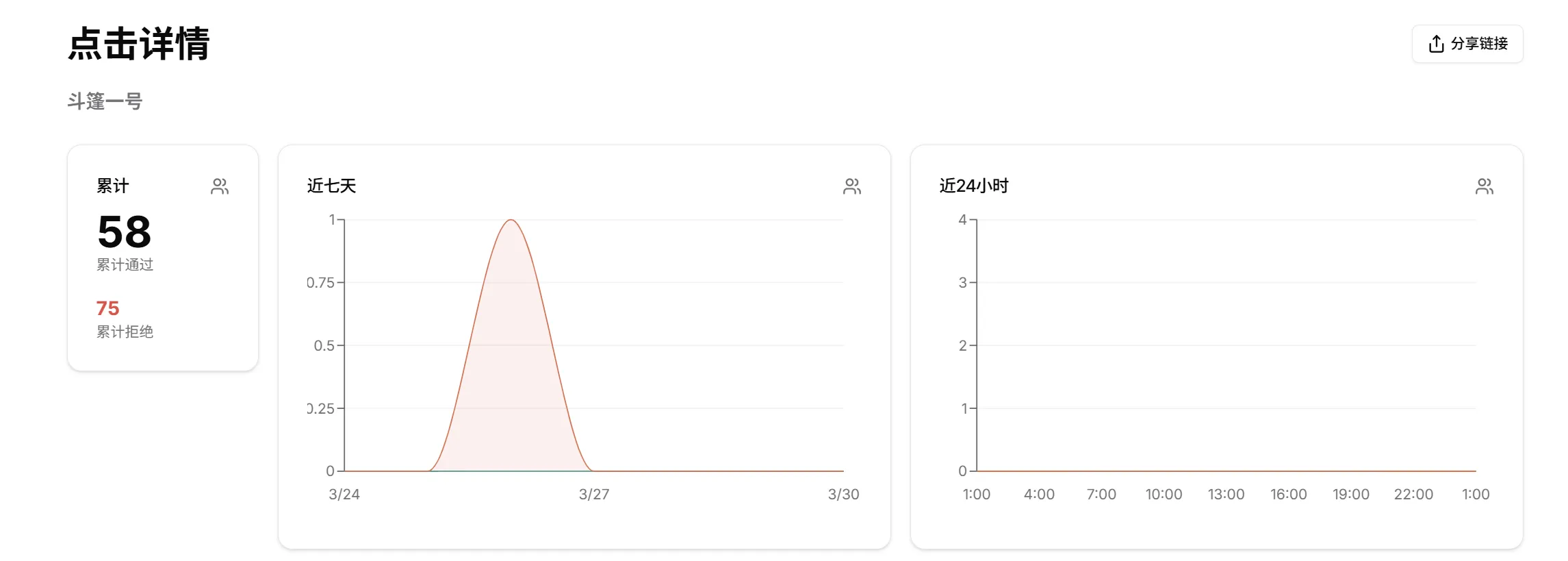
In your Dashboard, find the link you want to share and click on the "Link Details" text to navigate to the report page. In the upper right corner of the report page, there is a button to get the share link.
You can share this link with the people who need it. After receiving the link, they can directly access your report information and obtain your protected link address.