Custom Domain
Tutorial for setting up a custom domain with Xdun Protect.
Last updated: 7/25/2026Xdun Protect comes with a public domain so you can start using it quickly. However, other users share this domain with you. If you want to isolate your usage from other Xdun Protect users, we also offer a custom domain feature. This domain can only be used by you, shielding you from other users' influence. We recommend using a custom domain.
Before using a custom domain, you need to register a domain name first. You can search online for guides on domain registration, or contact us for assistance.
Create a Custom Domain
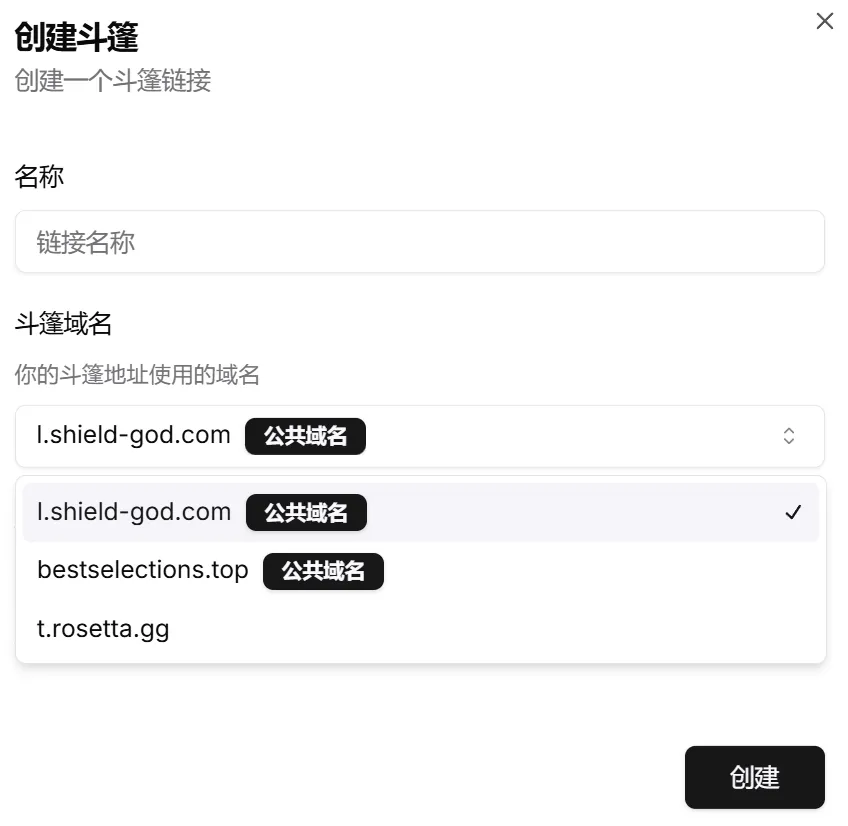
First, go to the Settings page where you can see the domains you already own and have bound. Click the "Create" button and enter your domain address. Note that the domain address does not start with http or https.
Domain Configuration Note
The domain should not start with http or https. For example, https://example.com is not a valid domain entry — it should be example.com instead.
After clicking the create button, you need to go to your DNS provider and point the corresponding domain to ep.shield-god.com.
| Setting | Value |
|---|---|
| Record Type | CNAME |
| Record Value | ep.shield-god.com |
Once configured, wait a moment until your domain shows a "Ready" status — your custom domain is ready to use.

DNS Propagation Time
DNS changes made at your DNS provider may take up to 24 hours to take effect globally.
If your domain remains not ready after a long time, you can contact us for help.